
Prepare Video Captions for the Final Edit
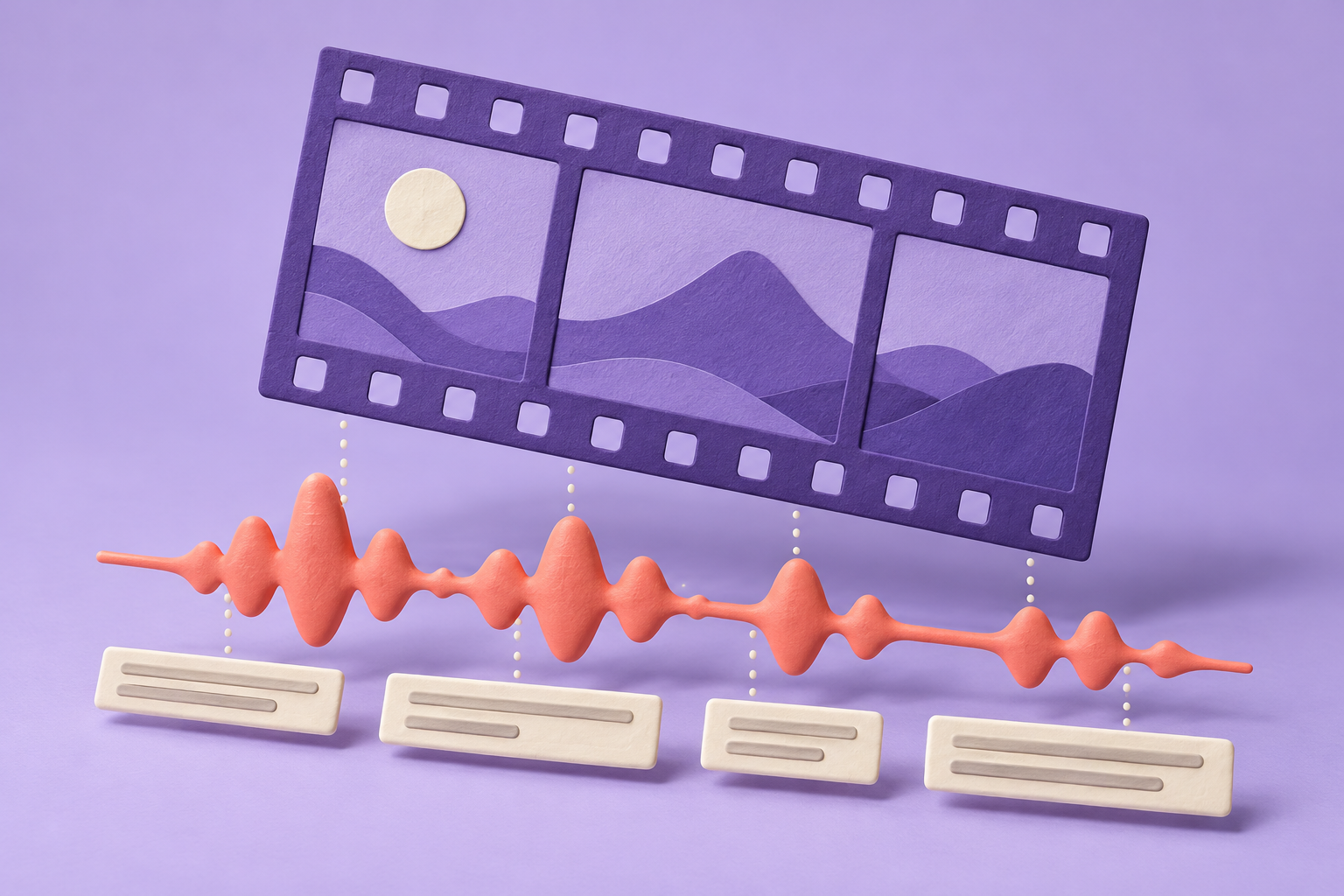
A video captioning service should deliver readable, synchronized text for an identified version of a video. Confirm the language, required file type and review process before timing the first line. Keep the video and caption versions together, and watch the finished combination before calling the work ready.
This workflow covers prerecorded material. The coffee scene below is a practice exercise. Live captioning and specialist accessibility assessment need different skills and arrangements.
Start with a video version you can name
Ask for the exact edit that the captions will accompany. A shortened introduction can shift every later cue, even when the spoken words haven't changed. Record the filename or version label, duration and language in a job note. If the editor replaces the video, pause and decide whether the caption timing needs a new pass.
Find out what the client means by delivery. They might need a separate caption file, an edited project they can reopen, or a video with captions permanently visible. Those outputs create different review tasks. Ask which player or publishing destination will be used, who will upload the file and who can approve the final version.
A transcript can help with wording, but it doesn't settle timing or presentation. The audio transcription preparation guide covers a text-focused assignment. Captioning adds a synchronized viewing experience, so don't quote the two jobs as if their checking effort were identical.
What the captions need to carry
W3C's media accessibility guidance describes captions as synchronized text for speech and the non-speech audio needed to understand the content. That includes information a viewer could miss without the soundtrack. Its guidance also says automatic captions normally need editing and shouldn't be treated as sufficient unless their accuracy has been confirmed.
Source: W3C guidance on captions and subtitles, read 2026-10-26. This guide uses that distinction to plan a service; it doesn't certify a particular video as accessible.
Listen for the meaning of the scene before deciding what belongs in a cue. A sound that changes the viewer's understanding needs attention. Decorative background noise may not need the same treatment. When the audio doesn't reveal a speaker's identity, ask for clarification rather than inventing a name.
Separate uncertainty from correction
Make a short question list while listening. Mark a difficult name, an unclear word or a passage where two people overlap. Include the location in the video and the decision you need. A client can answer a precise question more easily than a general request to check everything.
Don't smooth a doubtful phrase into a confident claim merely because the replacement reads well. Review the sound, consult approved terminology and preserve the unresolved point until someone with the right knowledge can decide. If the content concerns a specialist subject you can't check accurately, narrow the assignment or decline it.
When a translation is required, establish that as an additional language task. A captioner who can time English text isn't automatically qualified to translate another language. The translation project guide explains how to keep terminology questions and source changes visible.
A small scene that exposes timing problems
For an invented practice exercise, record a short clip you own: a person describes making coffee, a grinder briefly covers a word, and another speaker answers from outside the frame. Use ordinary, non-sensitive material. Keep an untouched copy of the clip and write down the version you used.
Prepare the text, then place cues against that edit. Watch whether a cue arrives before the relevant sound, disappears before it can be read or stays onscreen after the scene has moved on. Break the text where a reader can follow the thought. Check that a speaker change remains understandable without guessing who is talking.
Now trim the start of a separate copy of the clip. Compare the old timing with the changed edit. This exercise makes the version problem visible in a practice setting. Keep the deliberately mismatched copy outside the final sample folder so nobody mistakes it for the approved version.
Check the required file before formatting
YouTube's supported-file documentation says a caption file includes text and time codes. Its basic SubRip support uses the .srt extension and plain UTF-8; style markup isn't recognized in that basic format. A file that opens in a text editor can therefore still lose presentation choices at its destination.
Source: YouTube's supported subtitle and closed caption files, read 2026-10-26. These are YouTube-specific format notes, not a promise that every player accepts the same file in the same way.
Ask for the actual destination requirement before adding styling. If the client needs another format, confirm it separately. Keep a plain-language delivery note identifying the file, language and matching video version. Don't rename an extension and assume the contents have been converted.
Agree whether viewers can turn captions off
W3C describes closed captions as text viewers can show or hide, and open captions as text that remains visible and cannot be turned off. Ask which result the client expects. If the brief requires selectable captions, a video with the text permanently visible does not meet that requirement by itself. Identify the caption track and matching video in the handover, and name who will check the viewer controls at the destination.
Also agree how display choices will be reviewed. W3C warns that support for author-set caption positions and styling is inconsistent across browsers and players. Some players let viewers change text size, colors or position. In the invented coffee scene, review whether captions cover the hands or equipment needed to follow the action. Repeat that check with the recipient's intended player and available caption preferences; record any display issue instead of promising that one local preview proves every viewing arrangement.
Source: W3C captions guidance, Introduction and Positioning and Styling Captions, checked November 15, 2026.
Watch the delivered combination
Review wording and timing as separate passes. During the wording pass, listen closely for omissions, names and changes in meaning. During the viewing pass, watch the captions at normal playback speed and inspect the places where a cue crosses an edit or could cover useful visual information.
Use the agreed player when you have authorized access. If you can only inspect a local copy, state that limit in the handover. A local preview doesn't establish how the eventual public player will render the captions. Ask the client to confirm the uploaded result if publishing is outside your scope.
When the handover also includes a transcript
When the client also needs a transcript, agree whether the text must explain what viewers would otherwise see. W3C distinguishes a basic transcript, covering speech and necessary non-speech audio, from a descriptive transcript that also carries important visual information. Exporting caption text is a starting point: review the video for essential on-screen text and speaker identities that the captions alone may leave out.
Keep spoken words distinguishable from editorial additions. Use clear speaker labels, and mark clarifications with brackets or a separate labeled section. For the coffee practice clip, use an agreed label for the off-screen speaker and keep any added explanation of an unspoken action visibly separate from the dialogue.
Confirm where the recipient will publish the transcript. W3C recommends making it easy to find from the media; placing the text or a link directly below the video is one option. Include its destination and matching video version in the delivery note, then have the recipient check access on the intended page.
Source: W3C guidance on transcripts, Creating Transcripts, Making Transcripts More Useful and Where to Put Transcripts, checked November 17, 2026.
Leave an understandable revision trail
Return the caption file, its matching video identifier and a concise list of unresolved questions. Keep corrections to the supplied edit separate from a new request caused by a changed video. Confirm who approves a terminology decision and whether later editorial changes require another timing review.
Price planning should account for listening, clarification, synchronization and viewing checks rather than video duration alone. A useful next step is a small practice delivery with clear version labels and honest limits; only then decide which prerecorded assignments you can handle reliably.