
Plan a Photo Organizing Service That Preserves the Originals
Updated · Cloud and export guidance checked November 14, 2026
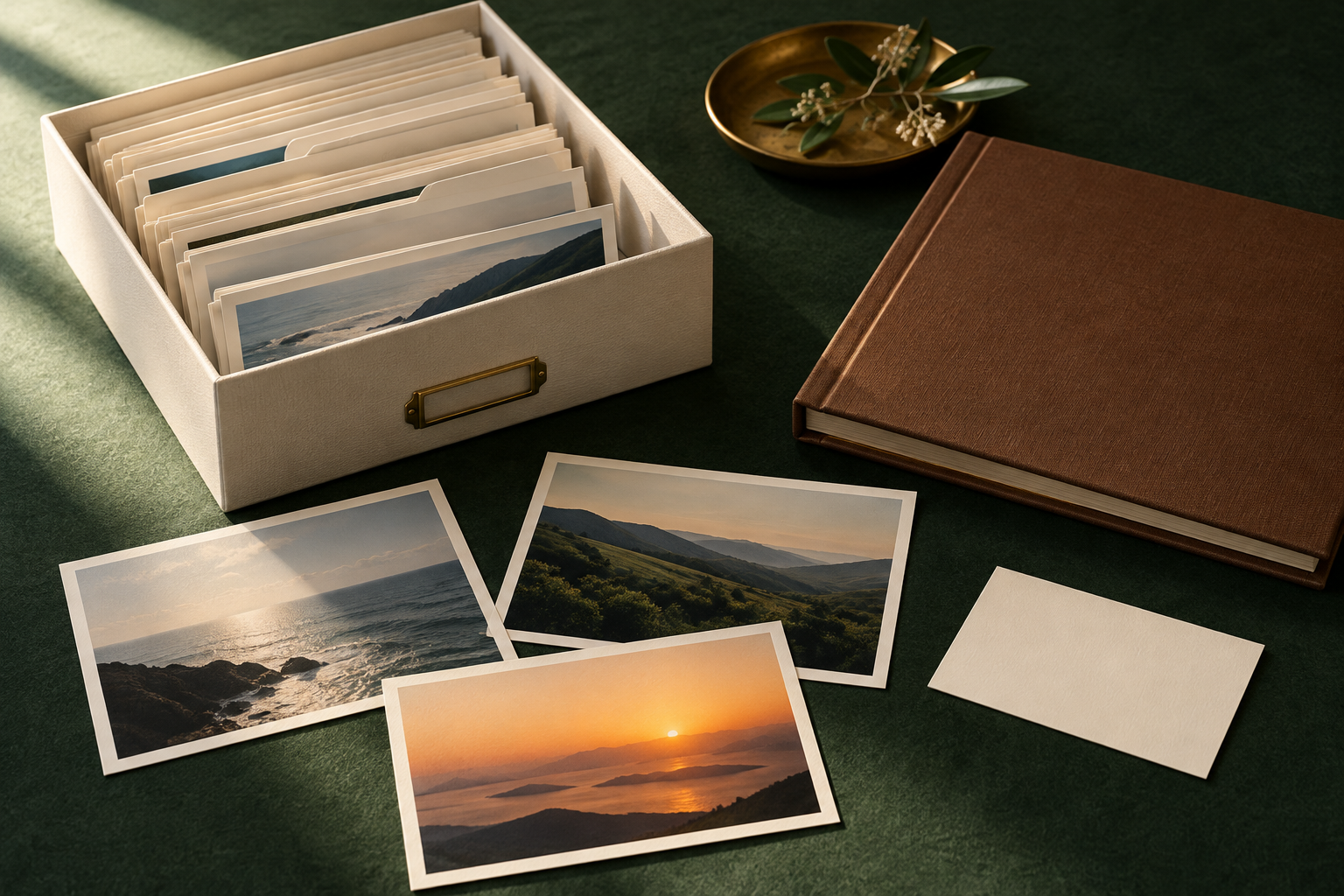
A photo organizing job needs a clear inventory, a working copy, a way to find images and an agreed handover. Start with a small collection whose owner can explain the intended result. Do not begin by deleting files that merely look similar or moving a whole library between services without checking what those actions mean.
This guide proposes a preparation workflow for a personal digital photo collection. The example collection is invented. It is not a claim of archival expertise, guaranteed recovery or paid demand.
Agree on the collection and the result
Ask which devices, folders and exports are in scope. A phone library, a disk of camera files and scanned prints may contain different kinds of information and uncertainty. Identify the owner who can approve changes and the people whose photographs may be involved.
Define the useful outcome. The client may want to find family events, prepare a selected album or obtain an inventory of scattered folders. Those are different jobs. Retouching, scanning fragile originals, identifying unknown people and recovering damaged files should not enter the assignment by assumption.
Make a proposed delivery list before choosing software. It might contain an organized working collection, a folder guide, an unresolved-items list and a record of the original locations. Agree on storage, access and retention. Do not request an account password when the task can be handled through a more limited authorized method.
Keep masters and working copies distinct
In a 2014 article about scanning, the Library of Congress recommends separating a preserved master scan from a working version and using descriptive names to help find files. Its TIFF-master and JPEG-working-copy example concerns scanned photographs. It is not an instruction to convert every existing camera or phone file to those formats.
Source: Library of Congress guidance on scanning and personal digital archiving. Read 2026-10-26; the publication date is retained because this is general preservation guidance.
For the proposed organizing workflow, leave the supplied originals unchanged while you test the arrangement on copies. Record the source location and the working location. If you rename a working file, keep enough information to connect it with the original. Do not overwrite an original simply because a new name looks clearer.
Agree on how copies will be protected and checked. Seeing files listed in a backup folder does not establish that every file can be opened or restored. Record the verification you actually performed and any items that failed. Do not promise recovery from a backup that has not been tested.
Inventory before you classify
List the folders and file types, then identify items that cannot be opened, have uncertain dates or need the owner's explanation. Keep that uncertainty visible. A filename, folder name or application display may be a clue, but it is not always proof of when a photograph was taken.
Choose a simple arrangement the owner understands. An event-and-date structure may work for one collection; another may need project or subject groups. Test the proposed categories with a small sample before applying them throughout the working collection.
Keep a place for unresolved items. Forcing every photograph into a guessed event can make the collection harder to trust. Use a neutral label and ask a specific question: which trip does this set belong to, or is this date known? Avoid inventing names, relationships or locations to make an index appear complete.
Distinguish archiving from removing a file
Google Photos says an archived photo remains in albums it was added to, search results and folders on the device. It also continues to count towards storage quota. Its archive feature changes how a photo appears in the main Photos view; it is not a general storage-saving or deletion procedure.
Source: Google Photos' archive explanation. Read 2026-10-26.
Before offering to clean a cloud library, clarify the exact action the client expects. Hiding, grouping, copying, downloading and deleting are not interchangeable promises. Inspect the current service's rules for the actual action and obtain authorization for its scope. This article does not provide a migration or account-deletion procedure.
If the client only wants a more manageable view, avoid making permanent removal the default solution. Explain the proposed organization first and let the owner review a sample. Keep any later deletion decision separate and explicit.
Check cloud sync before organizing a library
A collection visible on several devices may still depend on one synchronized library. Apple's iCloud Photos guidance says edits and deletions are reflected across devices using iCloud Photos. It also says photos stored there aren't duplicated in iCloud Backup. Agree on an independent copy before treating a second device as protection for the originals.
Check whether the working device actually holds the files you intend to preserve. With Optimize Storage, Apple explains that the device can keep smaller versions while full-resolution originals remain in iCloud. The visible library is therefore not sufficient evidence of a complete local collection. Record whether the download of originals has finished before starting work on an exported set.
For Google Photos, verify the account and a photo's actual backup status. Its Android backup instructions describe opening an item, checking About or Details, and looking for the backup status and size. An image appearing in the app does not, by itself, settle where a usable copy exists.
Use these checks to define the job, rather than offering a generic “cloud cleanup.” Ask the owner which library is authoritative, where an independent copy will be kept and which actions are authorized. Moving, deleting or changing sync settings remains a separate decision. Do not make those changes merely to get a tidier working view.
Agree on the exported version and handover checks
“Send me the photos” can mean either the original files or the edited versions the owner remembers seeing. Apple's copy and archive guidance describes exporting unmodified originals on iPhone or iPad and exporting copies from Photos on a Mac. Agree on the intended version before preparing the delivery; an unmodified original won't necessarily reproduce the client's crop or other edits.
Begin with a small, authorized sample. Include the types actually present in the collection, such as a still image, a video and an edited photo. Check the delivered files outside the original application. Note what opens, what differs and what requires more work before applying the same export choice to the full collection.
Use a short handover record:
| Record | What the owner should be able to check |
|---|---|
| File version | Original or edited copy, with the export choice recorded |
| Storage location | Where the delivered files and unchanged source are kept |
| Readability | Which sample files were opened, and any failed formats |
| Dates and context | Whether expected dates appear and which labels remain uncertain |
| Outstanding work | Files, edits or account content excluded from the delivery |
This is a proposed acceptance checklist, not a claim that a particular export preserves every application feature. Albums, captions or the way an app groups photographs may need their own checks. Make those expectations explicit instead of promising that every part of a library transfers with the image files.
Ask the owner to find a named event in the delivered collection and open an agreed sample from its final location. Keep the unchanged source and working copies until the agreed review is complete. Record approval and the retention plan separately; successful delivery is not automatic permission to delete the source library.
Review possible duplicates without guessing
Use a review group for files that appear related. Two images of the same scene may be different exposures, edits or crops that the owner wants to keep. A smaller copy may also be the version used in an existing album or document.
Record why an item was flagged and what comparison was made. If you used a tool, describe the result as a candidate match until it has been checked. Do not present a similarity score as the owner's decision about which photograph matters.
For a first sample, retain both versions and ask the owner to choose the policy. The organizing job can still deliver value through grouping and clear names without deleting anything. If removal is later authorized, keep a record of the approved items and the agreed recovery boundary.
Build a small practice collection
Use photographs you own and are entitled to use. For an invented exercise, gather a few landscape images from separate folders, create an untouched original set and organize copies into a proposed event structure. Include one uncertain-date item and two related versions so the review process has something meaningful to resolve.
Write a short guide that explains the folder pattern and how an unresolved item is marked. Ask whether someone unfamiliar with your system could find an image using the guide. If the answer requires remembering your personal filing habits, simplify the arrangement.
Keep the practice collection outside real customer or family-sensitive material. Do not use a stranger's image merely to make the sample more attractive. A portfolio can explain a workflow without exposing private photographs or implying that an invented collection belongs to a client.
Check the handover with the owner
Open representative files from every included source and review any reported failures. Compare the delivered inventory with the agreed scope and explain exclusions. A count of files alone does not confirm that the photographs are correctly identified, readable or complete.
Walk the owner through finding an event, locating the unchanged originals and understanding the unresolved list. State what backup or restore checking occurred and what remains unverified. Agree on when temporary working copies will be retained or removed, and do not reuse them for another purpose.
For broader service options, see remote side hustles and virtual assistant services. Your next step is a small, reversible practice arrangement with an understandable handover. Decide on paid scope only after you can describe what will be organized, preserved and checked.